

Find Your Kids Activity
Find Your Kids Activity
Your search results
Is Your Child Ready for Their First Smartphone? A Parent’s Guide to Choosing a Safe Phone
Sooner or later, most parents will be asked the question “Can I have a phone?” by their child. Probably their friends already have one, or maybe they’re about to start walking to school alone. Whatever the reason, it’s one of the biggest decisions in modern parenting, and your knowledge of what’s out there may not have kept pace with the technology and options.
The phone is not the problem
A smartphone is a brilliant thing. It means music, photos, games, learning and staying in touch with grandparents, are all within reach. The risk comes from what else is on the phone: namely, social media and messaging people without you knowing. So, the real question should be not only “Is my child ready?” but also “Is this phone ready for my child?”
Is my child ready?
While there is no universally accepted age of ‘readiness’, a few questions may help:
- Do they need it? Travelling to school independently is a very common and practical reason.
- Can they stick to agreed rules? Things like screen time limits, ‘no-phone’ time without constant battles?
- Will they feel able to come to you when something online upsets them? This matters more than almost anything else.
- Have you covered the basics? For example – online strangers are still strangers, and anything they post can follow them for years.
Is the phone ready for my child? Choosing a suitable phone
Like safety scissors or a PG film: we will always give children age-appropriate versions of things. Smartphones, however, were never designed with children in mind, and parental controls were largely an afterthought.
Built-in options such as Google Family Link and Apple’s Parental Controls offer location tracking and app limits, and this may suit some families. But they mostly work on an all-or-nothing basis, where an app is either allowed or blocked. They do little about content inside apps, addictive features like push notifications remain, and workarounds are well documented.
When comparing options, look for:
- Content filtering within apps, not just blocking entire apps, including the camera
- Screen time controls for the whole device in one place
- App scheduling around school, homework and bedtime
- Parental approval for new apps and contacts
- Parental alerts when harmful content is detected
- Location tracking
- Flexibility to change restrictions as your child grows
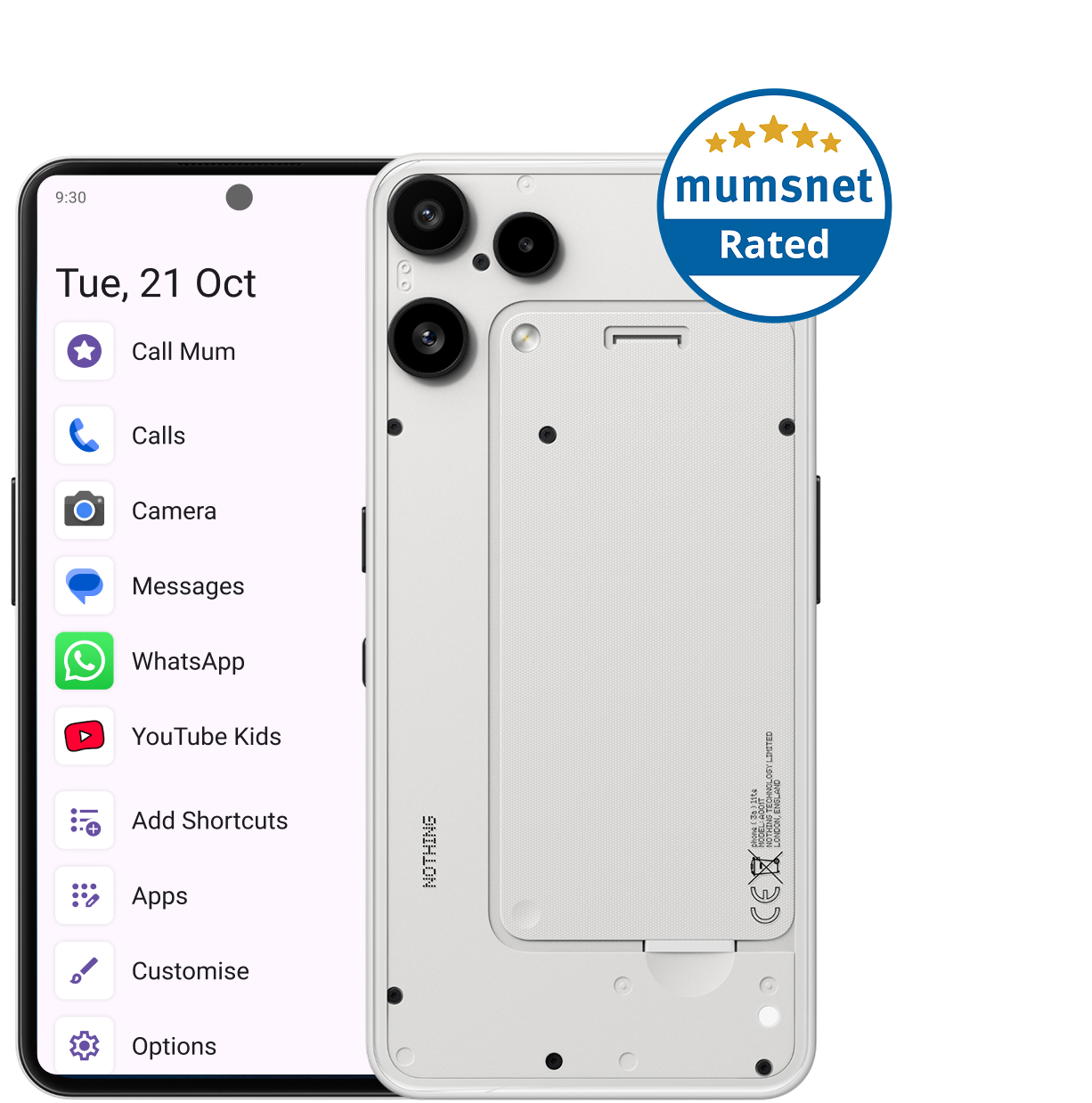
SafetyMode software and OtherPhone were designed in partnership with Mumsnet, to bring these controls into a single dashboard for Android phones. The OtherPhone (made by Nothing technologies) comes with SafetyMode pre-installed, so protection from harmful content starts from the moment it’s switched-on. It can be set up as a brick phone, if preferred, or a fully featured smartphone when the time is right.
Start small, then grow
A first phone doesn’t have to do everything. You could start with just music and maps for the school run, then add messaging, then gaming with hourly or weekend limits. Extending freedom gradually builds trust and good habits.
Keep talking
Nothing replaces a conversation. Agree on a set of household rules that everyone follows – a phone-free hour before bed, keep phones out of bedrooms, and make sure your child knows they can always tell you when something feels wrong, without fear of blame or getting angry
Regardless of age, the goal is the same: They’ll need a safe phone with appropriate access, solid but flexible parental controls and limits that fits your child’s needs and personality.